How do I export data?
Step One: Select the proper tool
Click on the 'Export My Data' link under the 'Settings' heading in the Control Panel menu.
Step Two: Select the export type
Choose the export type from the 'Choose Export Type' dropdown menu.
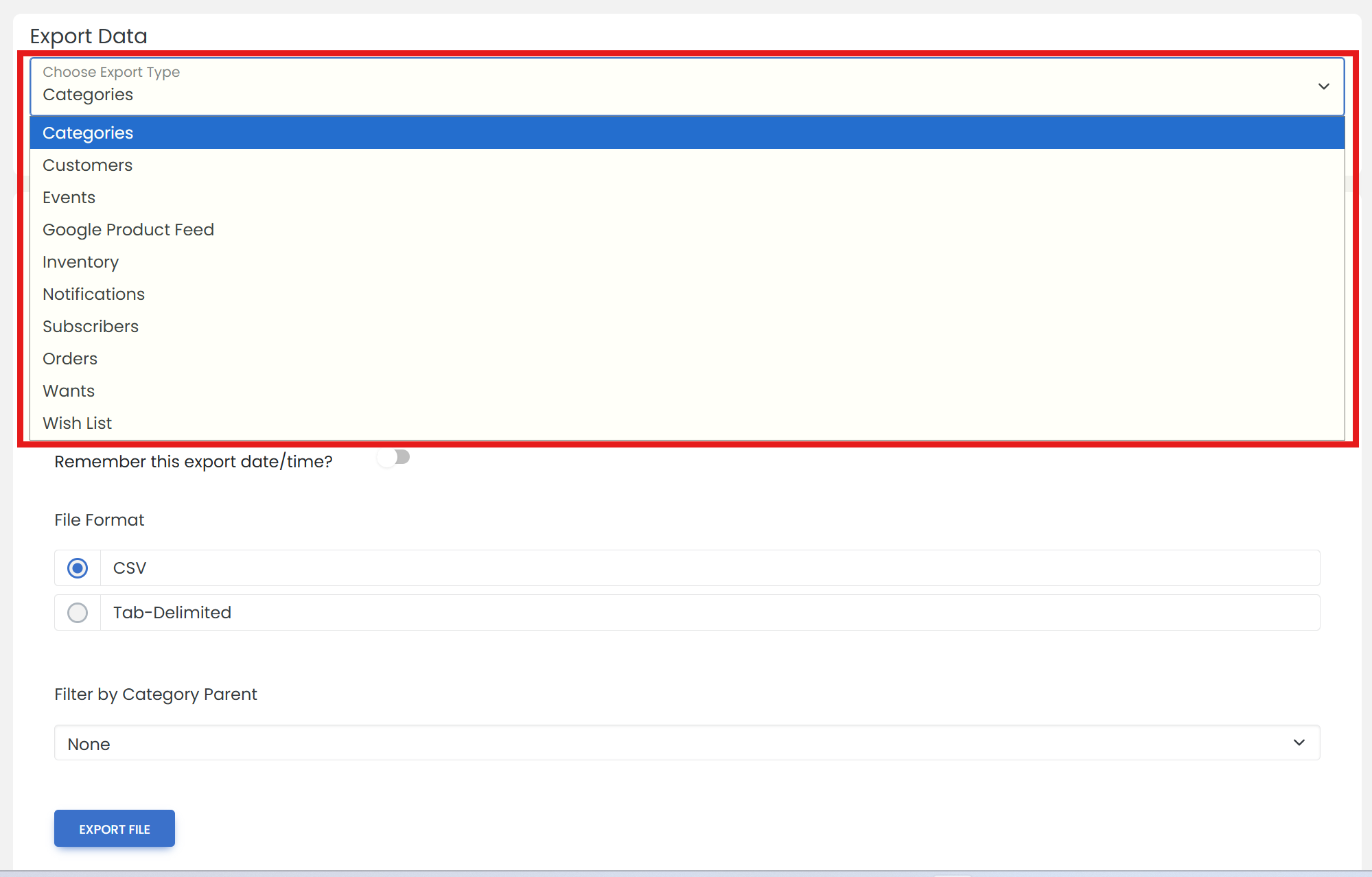

'Subscribers' are people who have opted-in to your mailing lists.
Step Three: Configure export options
Select the data to include, and the file format. Then, click the 'EXPORT FILE' button.
Step Four: Download the file
Click the 'Download File' link to download the file.
Step Five: Access the Archive
Once a file has been created, it is available in the 'ARCHIVE' tab for 60 days. Choose the export type, then click 'ARCHIVE'.