How do I template my New Arrivals emails?
Step One: Select the proper tool
Click on 'Marketing' link under the 'Website' heading of the Control Panel menu.
Step Two: Select New Arrival Notification
Click the 'New Arrival Notification' section.
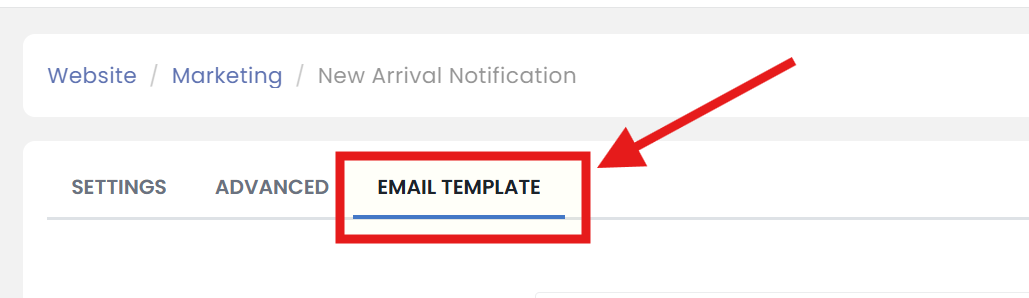
Step Three: Open Email Template Tab
Click on the 'EMAIL TEMPLATE' tab.
Step Four: Make updates
Edit your new arrival 'Email Template'.
Step Five: Don't forget to save
When you are finished, scroll up/down to click the 'SAVE' button.