How do I edit an item's 'Collectible Properties' on Amazon?
Step One: Select the proper tool
In the BookRouter Control Panel, under the 'Inventory' heading, click the 'Manage Inventory' link.
Step Two: Search for an Item
Search for your item by it's 'Item ID' (or Author / Title by clicking on filter icon).
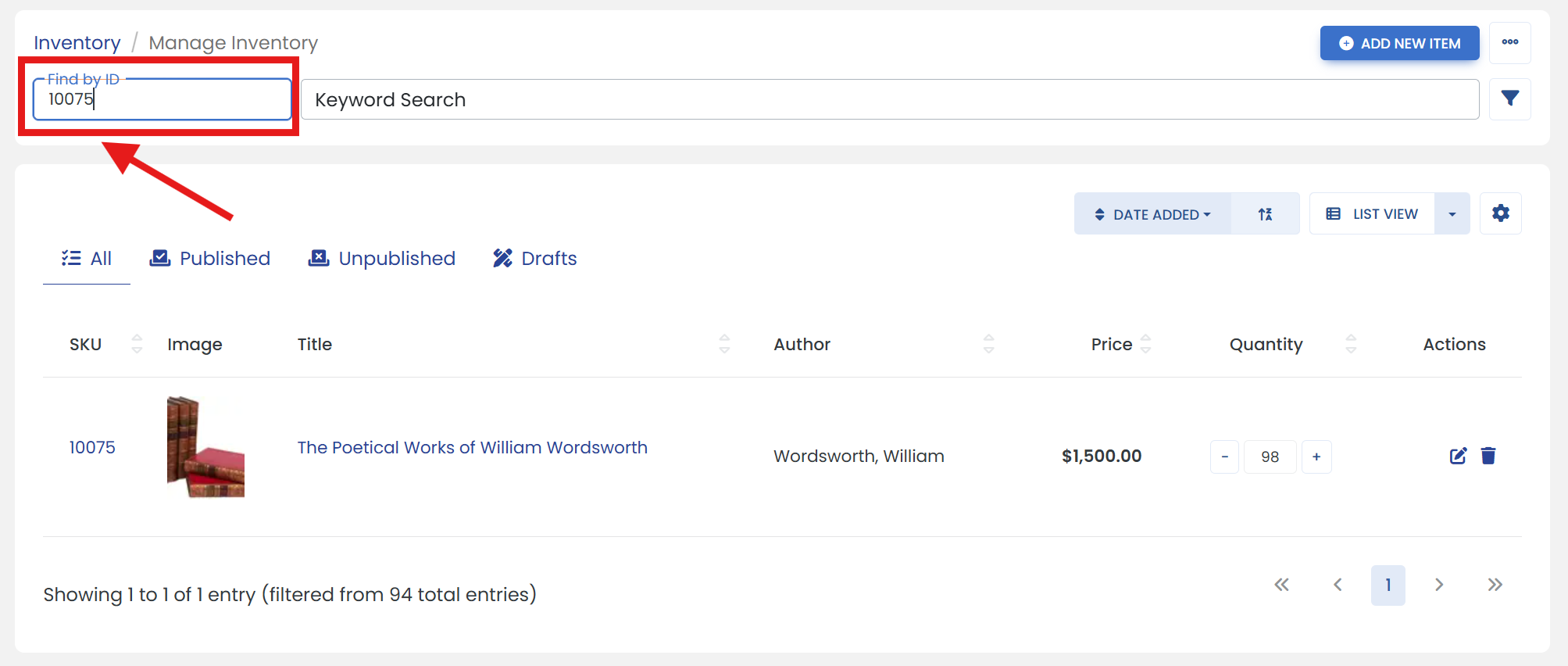
'Or' Click on the filter icon to open advanced search filters.
It opens a sliding modal where you can search an item such as by Author/Title, etc. Then, click the 'START SEARCH' button.
Step Three: Access Item Settings
Click on the 'Edit' icon at the right side of your item.
Step Four: Open the desired tab
Click on the 'AMAZON' tab to open Amazon properties window.
Step Five: Make updates
i) Under the 'Offer Details' heading, click the 'CHANGE' button next to 'Collectible Item?' to enable the toggle.
ii) Then, turn on the toggle button for 'Collectible Item?'.
iii) Below the 'Collectible Item?', click on the 'CHANGE' button to enable the 'Condition' dropdown.
iv) Select the appropriate 'Condition' for your item.
Step Six: Don't forget to save
Click the 'SAVE' button to finalize the changes.