How do I delay my listings to ABE?
Step One: Select the proper tool
In the Control Panel menu, click on the 'Marketplaces' link under the 'Routing' heading.
Step Two: Edit a Marketplace
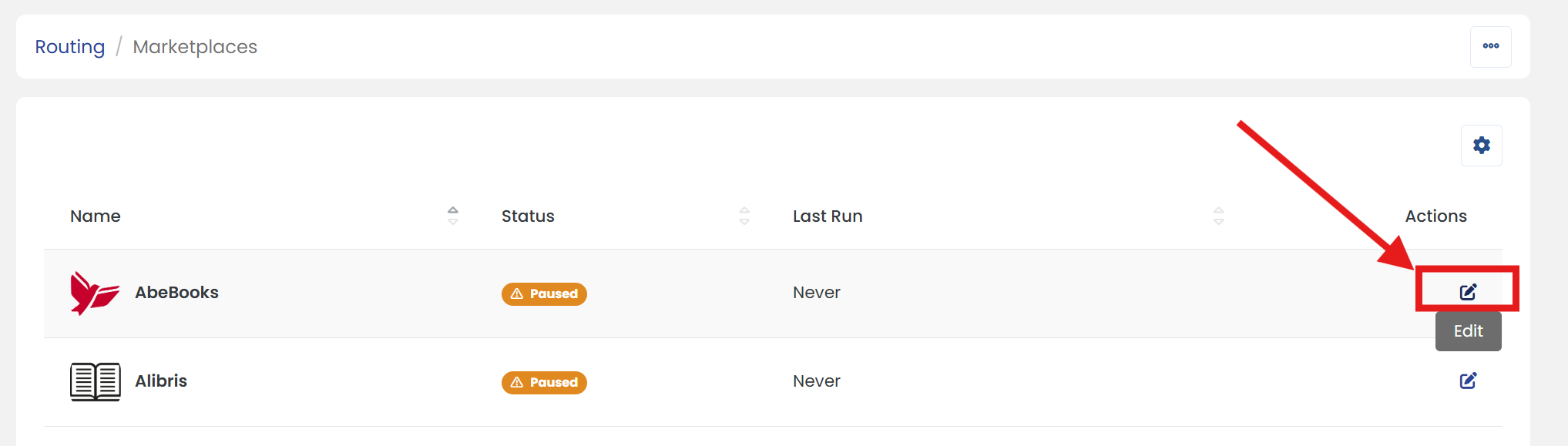
In the Marketplaces list, locate 'AbeBooks', then click the 'Edit' icon in the Actions column to update its details.
Step Three: Make updates
In the 'Sync Rules' section, enter the number of days in the 'Days to Wait' field. This determines how long new listings will be delayed before being uploaded.
Step Four: Don't forget to save
Scroll up/down to click the 'SAVE' button to apply the changes.