How do I delay my listings to Amazon?
Step One: Select the proper tool
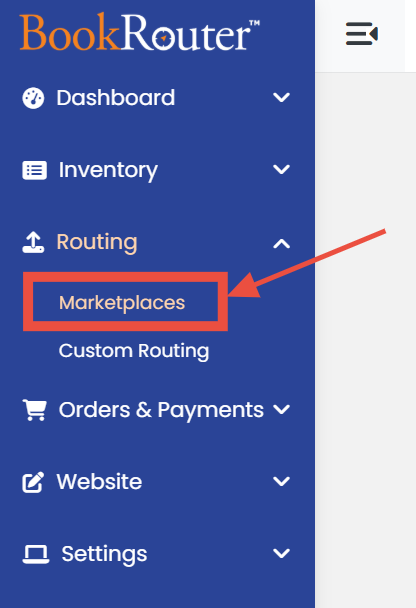
Click on the 'Marketplaces' link under the 'Routing' heading in the Control Panel menu.
Step Two: Edit a Marketplace
Search for 'Amazon' in the list of marketplaces and click on the 'Edit' icon at the end.
Step Three: Make an update
In the right side column, look for 'Days to Wait' label and enter the number of days to delay upload for new listings.
Step Four: Don't forget to save
Click the 'SAVE' button to finalize the changes.