How do I change an existing category’s image?
Step One: Select the proper tool
Click on the 'Categories' link under the 'Inventory' heading in the Control Panel menu.
Step Two: Edit a Category
From the existing categories list, find the category for which you want to change an image and click the 'Edit' icon in the Actions column on the right.
Step Three: Open the Image Tab
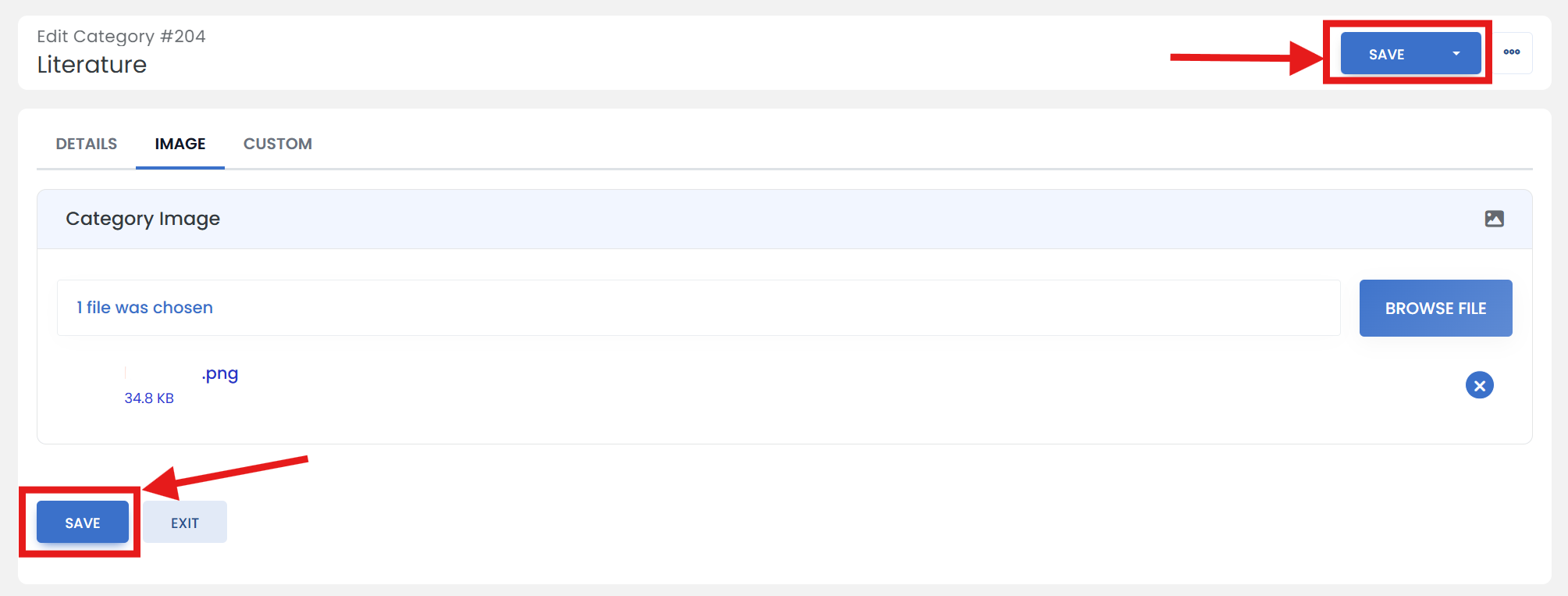
Click on the 'IMAGE' tab.
Step Four: Upload an Image file
Click the 'BROWSE FILE' button and open your image file.
Step Five: Don't forget to save
When you are finished, scroll up/down & click the 'SAVE' button.