How do I manually mark an item as returned?
Step One: Select the proper tool
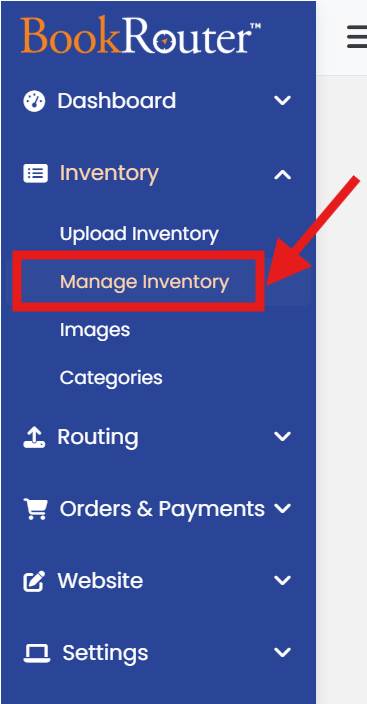
Click on the 'Manage Inventory' link under the 'Inventory' heading in the control panel menu.
Step Two: Find the item you wish to edit
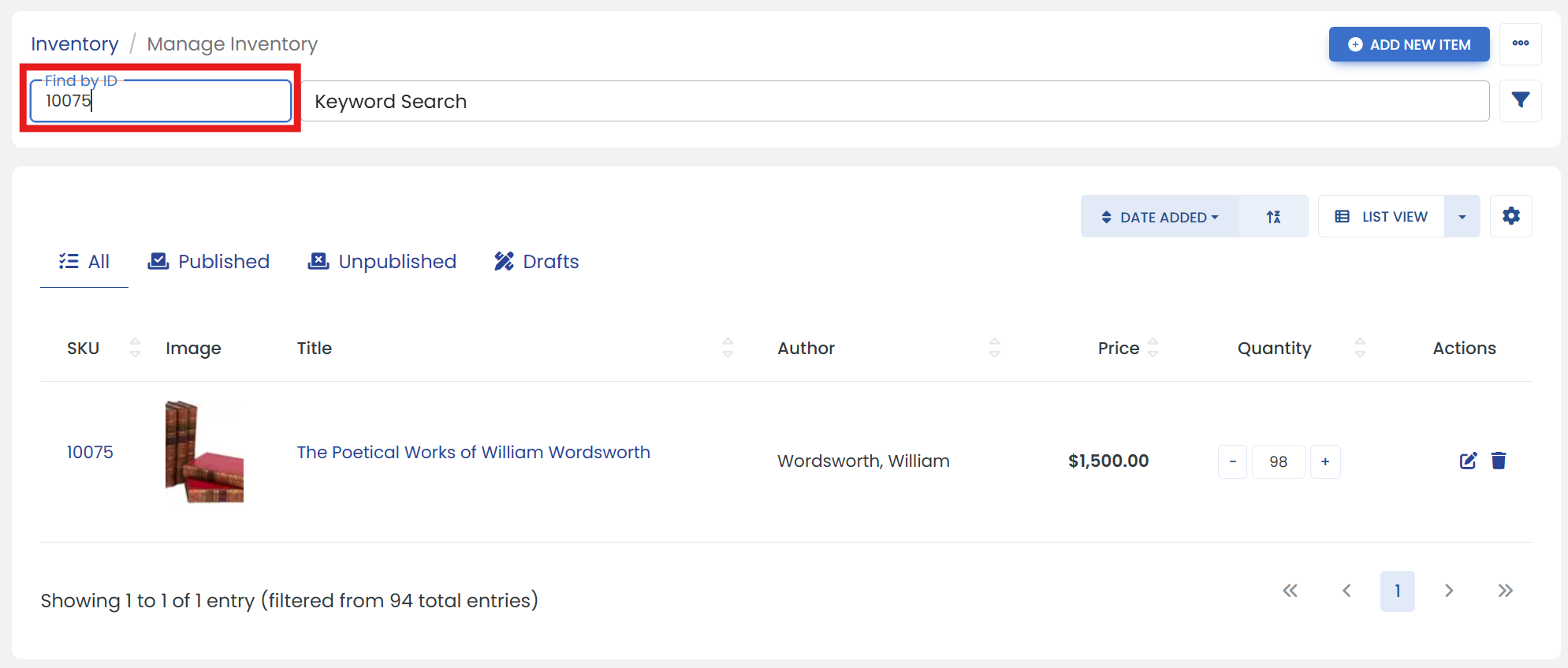
Use 'Find by ID' or 'Keyword Search' textbox to find the Item. (Or you can use 'filter' icon next to keyword search textbox for 'Advanced Search')
Step Three: Increase quantity
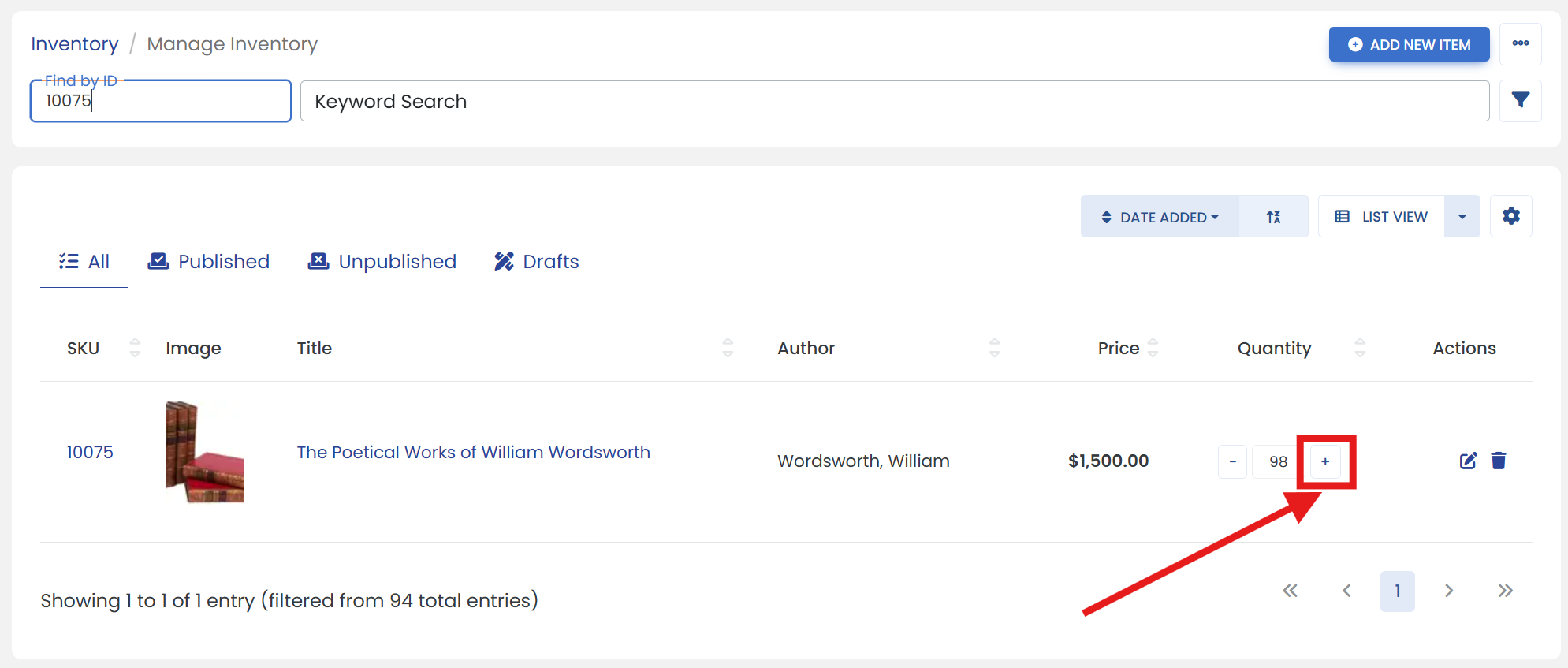
The quantity will increase by 1 each time you click '+' (plus) button.
Step Four: Confirm return request
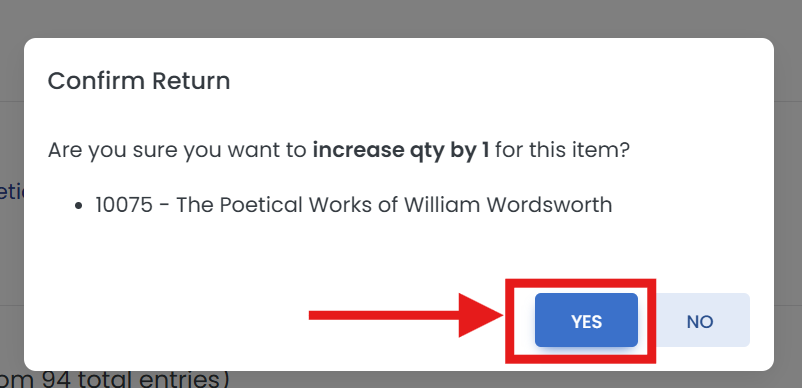
It opens a pop up window to confirm the return. Click on the 'YES' button to proceed.
Step Five: Verify the updated quantity
It will show updated Quantity for that item.
