How do I remove an item from Amazon?
Step One: Select the proper tool
In the BookRouter Control Panel, find the 'Inventory' heading, and under that click on the 'Manage Inventory' link.
Step Two: Search for an Item
Search for your item by it's 'Item ID' (or Author / Title by clicking on filter icon)
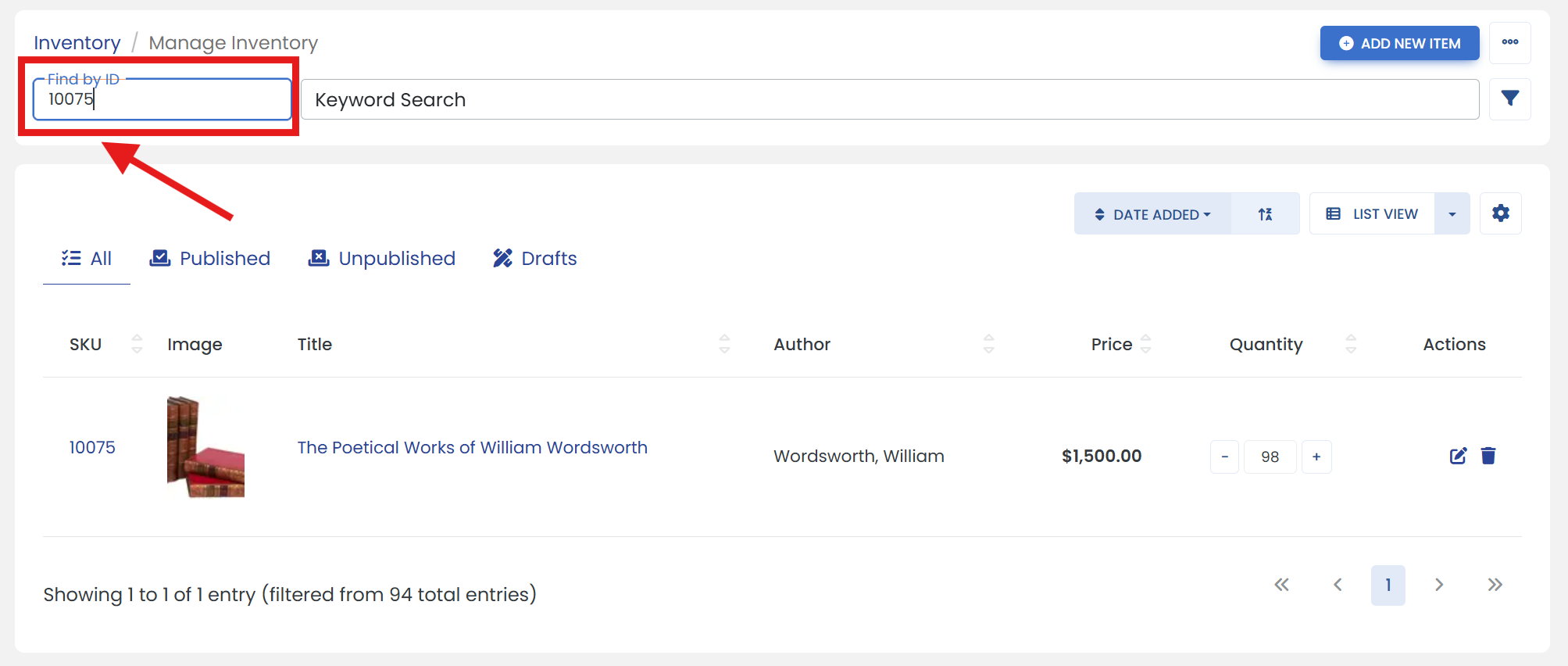
Click the filter icon to open advanced search filters.
It opens a sliding modal where you can search an item such as by Author/Title, etc.
Step Three: Access Item Settings
Click the 'Edit' icon for the item you want to modify.
Step Four: Open the desired tab
Click on the 'AMAZON' tab to open Amazon properties page.
Step Five: Make updates
Under the 'Actions' heading, select the option 'Remove Offer'.
Step Six: Don't forget to save
Click the 'SAVE' button to finalize.