How do I upload 'Sold Books'?
Step One: Select the proper tool
Click the 'Upload Inventory' link under the 'Inventory' heading in the Control Panel menu.
Step Two: Open the upload tab
Click the 'Upload' tab to access the inventory upload section.
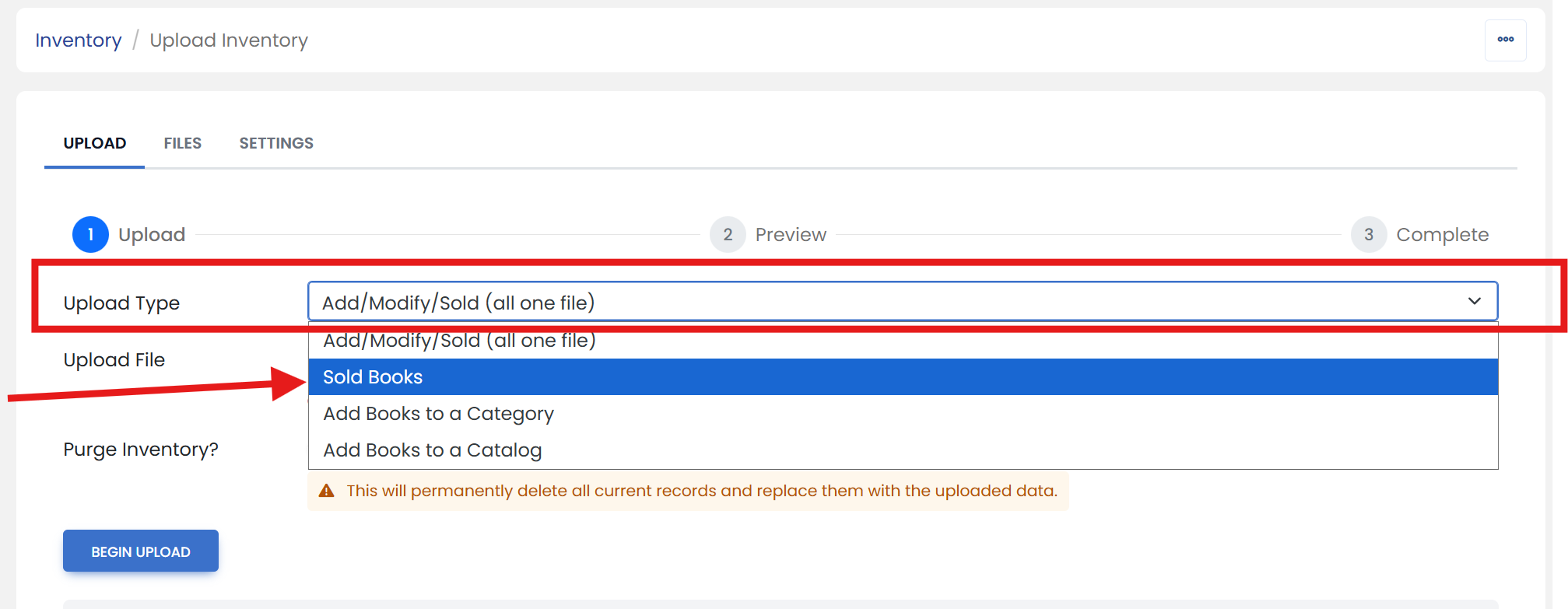
Step Three: Select the upload type
Next to the 'Upload Type' label, select the 'Sold Books' option from the dropdown menu.
Step Four: Choose the file to upload
Next to the 'Upload File' label, click the 'Choose File' button. Open your tab delimited file.
Step Five: Begin upload
Click the 'BEGIN UPLOAD' button.