How do I stop sending new arrival emails?
Step One: Select the proper tool
Click the 'Marketing' link under the 'Website' heading in the Control Panel menu.
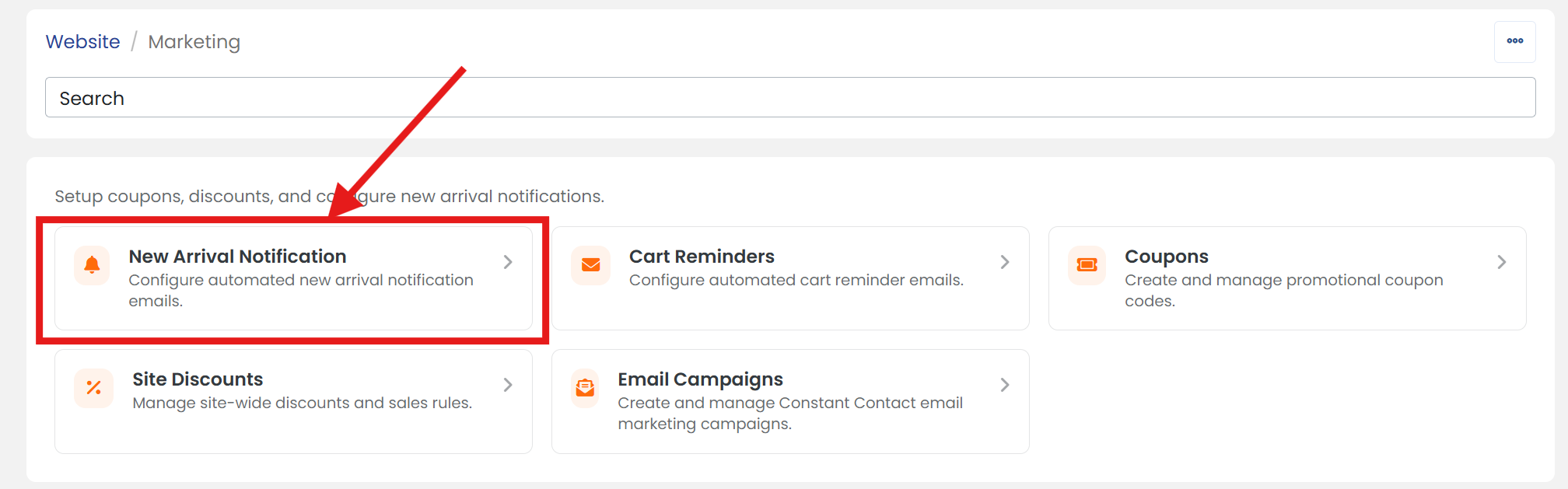
Step Two: Open new arrival notification
Click on the 'New Arrival Notification' section to open its settings page.
Step Three: Set the email schedule
On the 'SETTINGS' tab, next to 'Email Schedule', select 'Never' from the drop-down menu.
Step Four: Don't forget to save
When you are finished, scroll up/down and click the 'SAVE' button.